Download iOS firmwares
In order to work on the exploit described in this writeup, a signed vulnerable iBoot must be installed on your device. If this is not the latest available firmware (ex. iOS 7.1.2 for the iPhone 4), be sure you have proper SHSH blobs saved because you will need them to downgrade.
Download an iOS 7.x firmware .ipsw file for which SHSH blobs are available (saved or by Apple) from theapplewiki (formerly theiphonewiki).
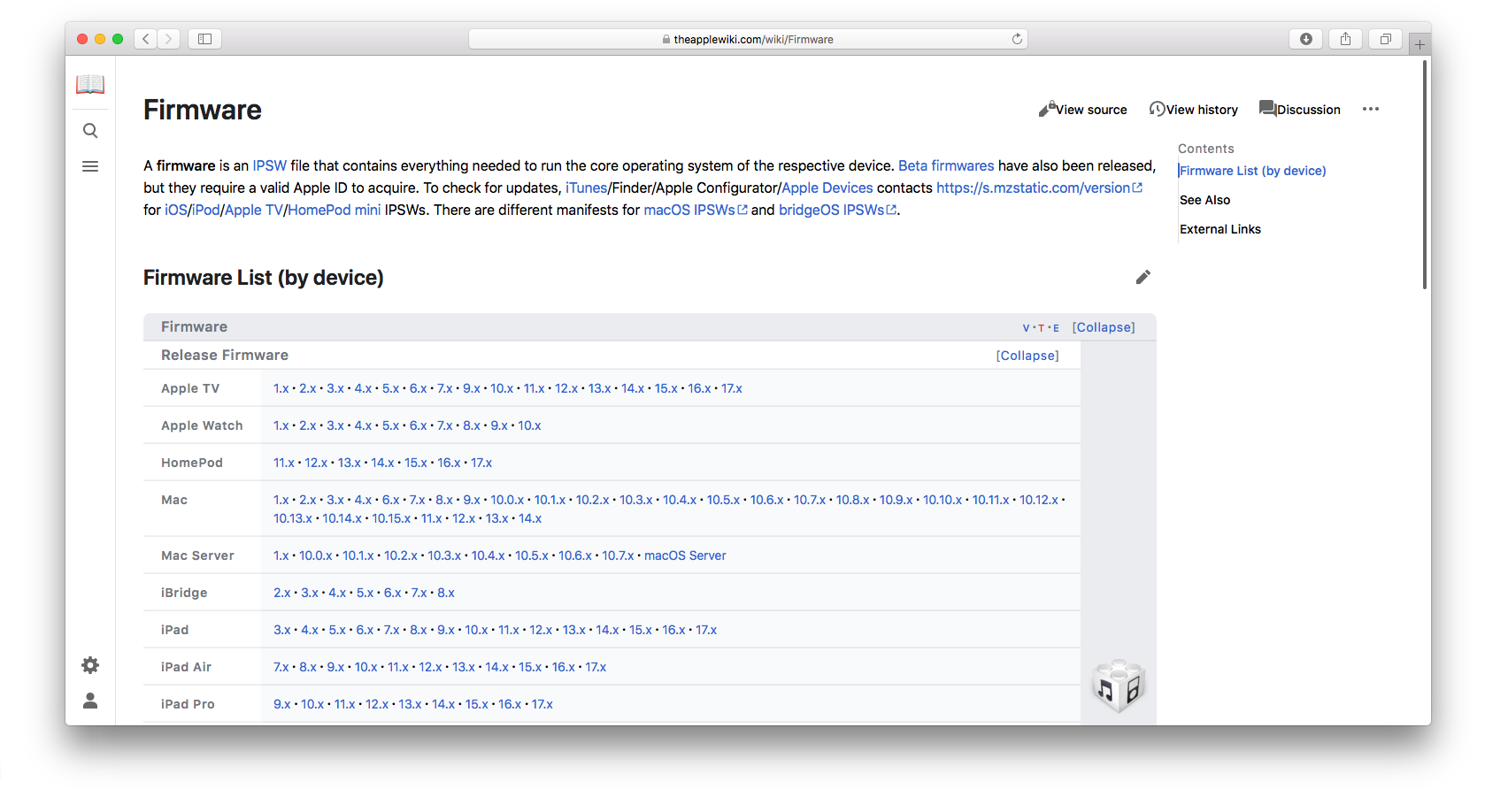
Find the desired iOS 7.x firmware. For this writeup, I will use iOS 7.0.4 (11B554a) for iPad 4th (Wi-Fi + Cellular, P102AP).
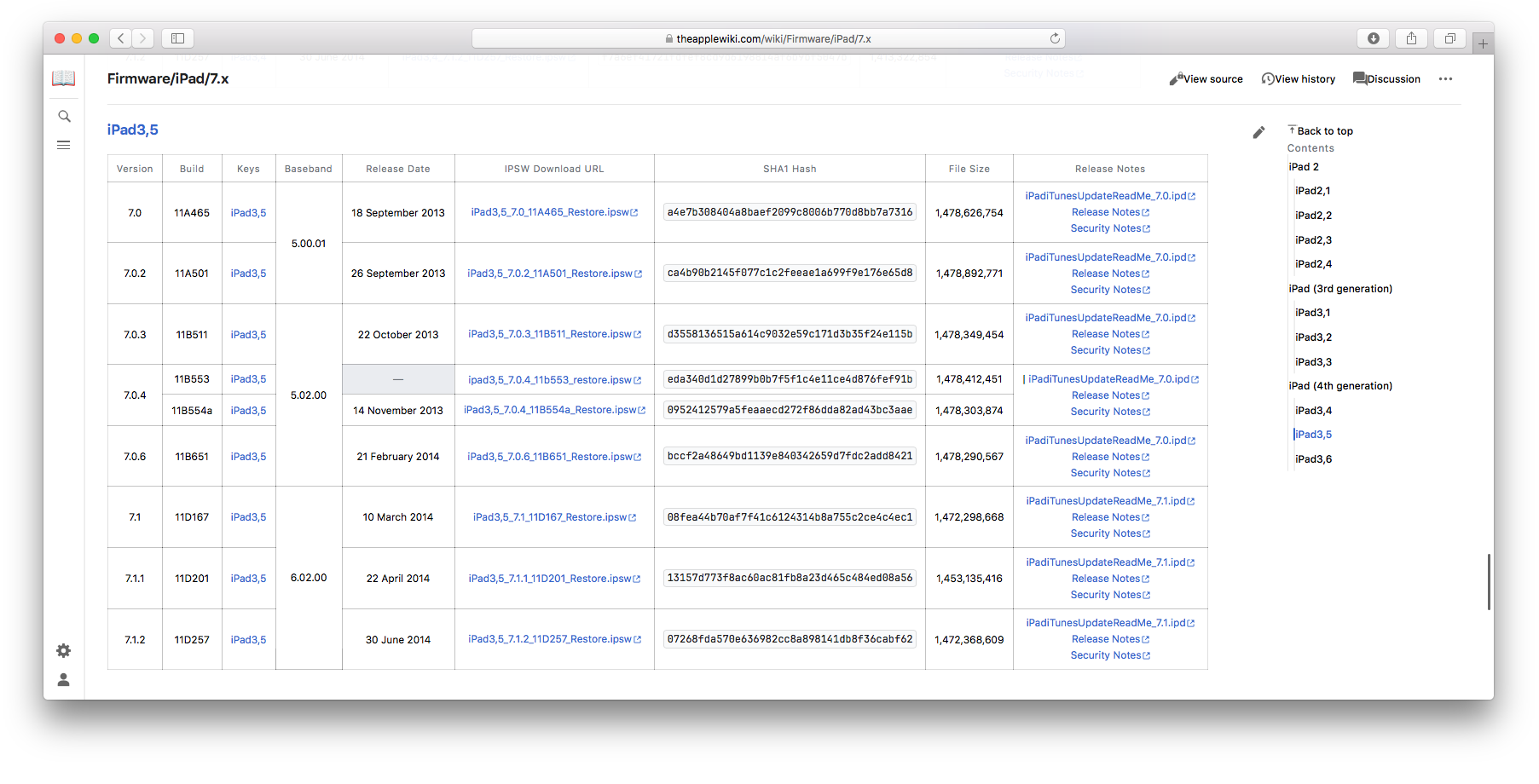
I could successfully dump the SHSH blobs for this build which was installed on my iPad and properly signed. Then, I converted those blobs to a suitable format for a signed restore and carefully tested them with the validation tools provided with Odysseus downgrade.
Note, since the blobs are for a quite old firmware, it is possible that the validate tool returns an error such as this.
ERROR: APTicket failed crypto
ERROR: Blob for LLB is invalid (crypto)
A potential workaround for similar errors is to set the system date back to somewhat around 2015. I believe that the cause of those errors are some old firmware certificates are out-dated. The dumped blobs must pass this validation test, otherwise they might be not usable. Never try to restore your device with blobs that did not passed the validation, you might end up forced to restore the latest iOS if the signed old bootchain gets erased.
Once we have our iOS 7.0.4 blobs successfully validated and carefully saved, we know that a downgrade to this old firmware which Apple doesn't sign anymore is possible. So, we can download the firmware .ipsw file and use it later for the downgrade.
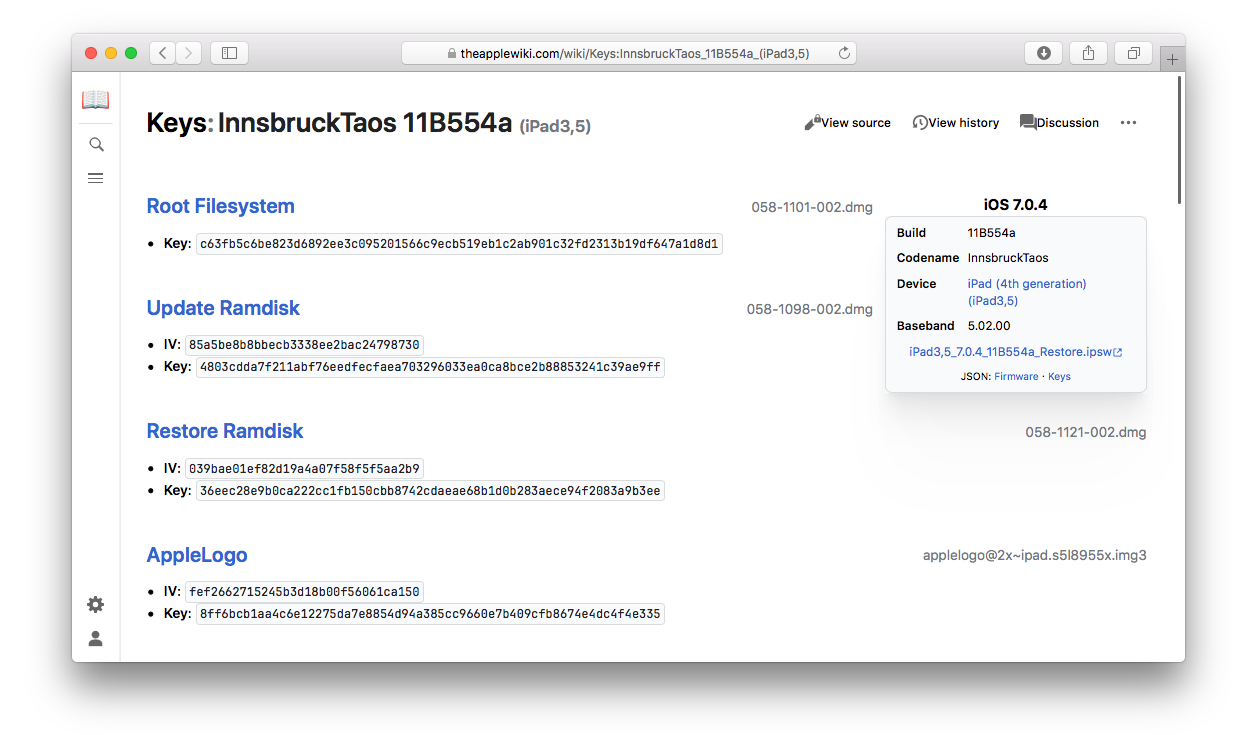
While we are on theapplewiki, it might be a good time to download the .ipsw files of the iOS version you plan to install during the post-exploitation phase if you plan to use the nand_firmware flash boot method. The thing to consider is that it's quite difficult and obviously risky to flash the nand_firmware once iOS is completely installed, so better to be sure everything is properly set up right after the restore process before going further. If you use the OTA upgrade method, this is not required and additional firmwares can be downloaded later. This writeup will not cover the installation of a new iOS system over the exploit, I suggest you read my iOS multiboot guide as this is a very similar procedure. The only exception is that you can flash over the main iOS system and still boot untethered.
For example, I will download the following firmwares for iPad 4th (P102AP).- iOS 6.1.3
- iOS 10.3.4
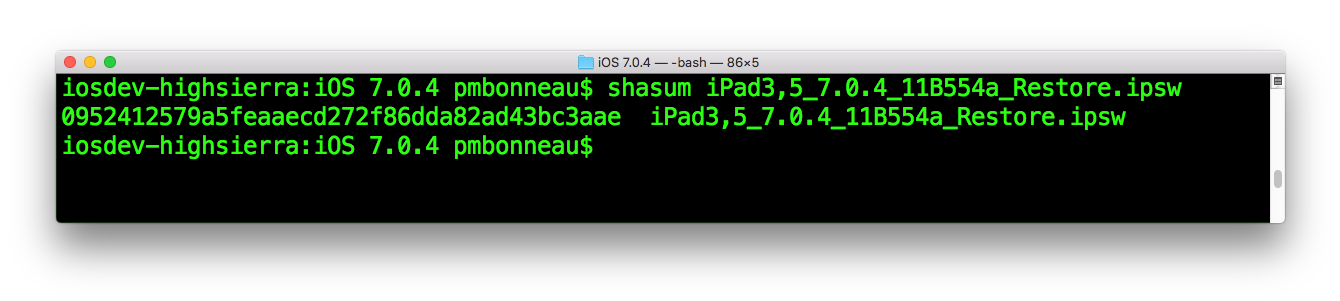
Once the files are downloaded, I strongly recommand to shasum hash them and compare results with theapplewiki in order to verify their integrity.